
Building Real-Time Multiplayer Games in Telegram Mini Apps
A deep technical guide to building multiplayer game experiences inside Telegram, covering WebSocket architecture, state synchronization, and latency optimization.
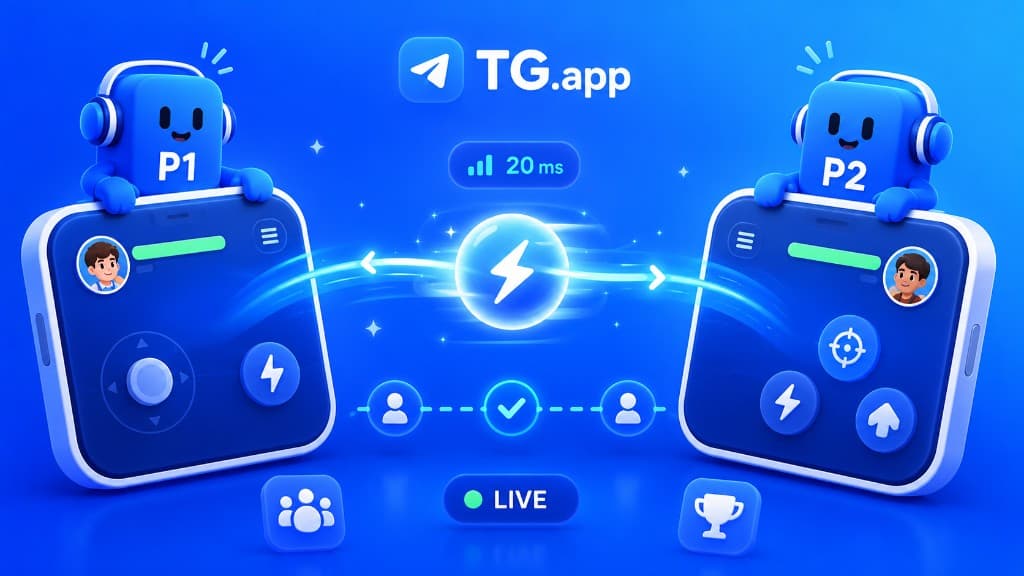
When Telegram Mini Apps first launched, the assumption was they'd be limited to simple, single-player experiences. Then developers like the teams behind Catizen, Yescoin, and Rocky Rabbit proved that real-time multiplayer was not only possible but could attract millions of concurrent players. Here's how to build it.
The Architecture Decision: WebSocket vs. Polling
Your first decision is communication protocol. For real-time multiplayer, you have three realistic options:
WebSockets give you full-duplex, low-latency communication. They're the right choice for anything where sub-second updates matter: PvP battles, real-time strategy, collaborative drawing, live auctions. The trade-off: WebSocket connections are stateful, which makes horizontal scaling more complex.
Server-Sent Events (SSE) are lighter than WebSockets and work well for scenarios where the server pushes updates but the client rarely sends data: leaderboards, spectator mode, live scores. They're easier to scale because they're essentially HTTP connections.
Long polling is the fallback when WebSocket support is unreliable (some corporate proxies and older mobile networks interfere with WebSocket connections). It adds 100-500ms of latency but works everywhere.
The practical approach: use WebSockets as primary, with automatic fallback to long polling. Libraries like Socket.IO handle this gracefully.
State Synchronization: The Hard Problem
In a multiplayer game, every player needs to see a consistent view of the game state. With network latency varying from 20ms to 500ms+ across Telegram's global user base, this is the fundamental challenge.
Authoritative Server Pattern
The server is the single source of truth. Clients send inputs (actions, commands, movements), the server processes them, updates the game state, and broadcasts the new state to all connected clients. This prevents cheating but adds input latency equal to the round-trip time.
Client-Side Prediction
To make the game feel responsive despite network latency, the client immediately applies the player's own actions locally, then reconciles with the server's authoritative state when the response arrives. If the prediction was correct, the player never notices the latency. If it was wrong, the client smoothly corrects to match the server state.
Delta Compression
Instead of sending full game state every tick, send only what changed. A typical game state might be 5KB, but the delta between two ticks might be 50 bytes. At 20 ticks per second with 100 concurrent players, this reduces bandwidth from 10MB/s to 100KB/s: critical when your players are on mobile data.
The Telegram Mini App Constraints
Building for Telegram adds specific constraints you won't find in traditional game development:
Memory limits: Mini Apps run in a WebView with typically 128-256MB of available memory. This means no 50MB sprite sheets, no uncompressed audio files, and aggressive garbage collection management. Use texture atlases, compress aggressively, and pool objects instead of creating/destroying them.
Background behavior: When a user switches to another Telegram chat, your Mini App may be suspended or throttled. You need to handle reconnection gracefully: detect disconnects, save local state, reconnect with the server, and resynchronize without the player losing progress or position.
Varied device quality: Your players might be on a flagship iPhone 16 or a $50 Android from 2020. Design your rendering pipeline to gracefully degrade: reduce particle effects, lower tick rates, simplify pathfinding on lower-end devices. Detect device capability and adjust automatically.
Practical Architecture for 10K Concurrent Players
Here's a battle-tested architecture that scales to 10,000+ concurrent players:
Layer 1: Cloudflare Workers handles HTTP requests, authentication, and routes WebSocket connections to the appropriate game server. Layer 2: Game servers run as Node.js processes with uWebSockets.js (10x faster than ws/Socket.IO for raw throughput). Each server manages up to 5,000 connections. Layer 3: Redis Pub/Sub enables cross-server communication for players in the same game room but connected to different servers. Layer 4: PostgreSQL or MongoDB stores persistent game state, player profiles, and match history.
This stack handles the vast majority of multiplayer mini app use cases. Scale horizontally by adding more game server instances behind the Cloudflare load balancer.
Latency Optimization Tricks
Use Telegram's sendData method to pre-load game data during the loading screen. Implement binary WebSocket frames (MessagePack or Protocol Buffers) instead of JSON: typically 40-60% smaller and faster to parse. Run your game servers in regions close to your users; for Telegram's demographic, this often means Amsterdam, Singapore, and São Paulo rather than US-East. Finally, batch non-critical updates (score changes, cosmetic effects) into 200ms windows while keeping critical updates (position, actions) immediate.
Building real-time multiplayer in a mini app is challenging, but the reward is massive: you're building where the players already are, with zero install friction, and built-in social features that make multiplayer inherently viral.
Be the first to react
Comments
No comments yet. Be the first to share your thoughts!