Advertiser | Campaigns
Campaigns (/advertiser/campaigns) is where you create, duplicate, submit, start, and pause ad campaigns.
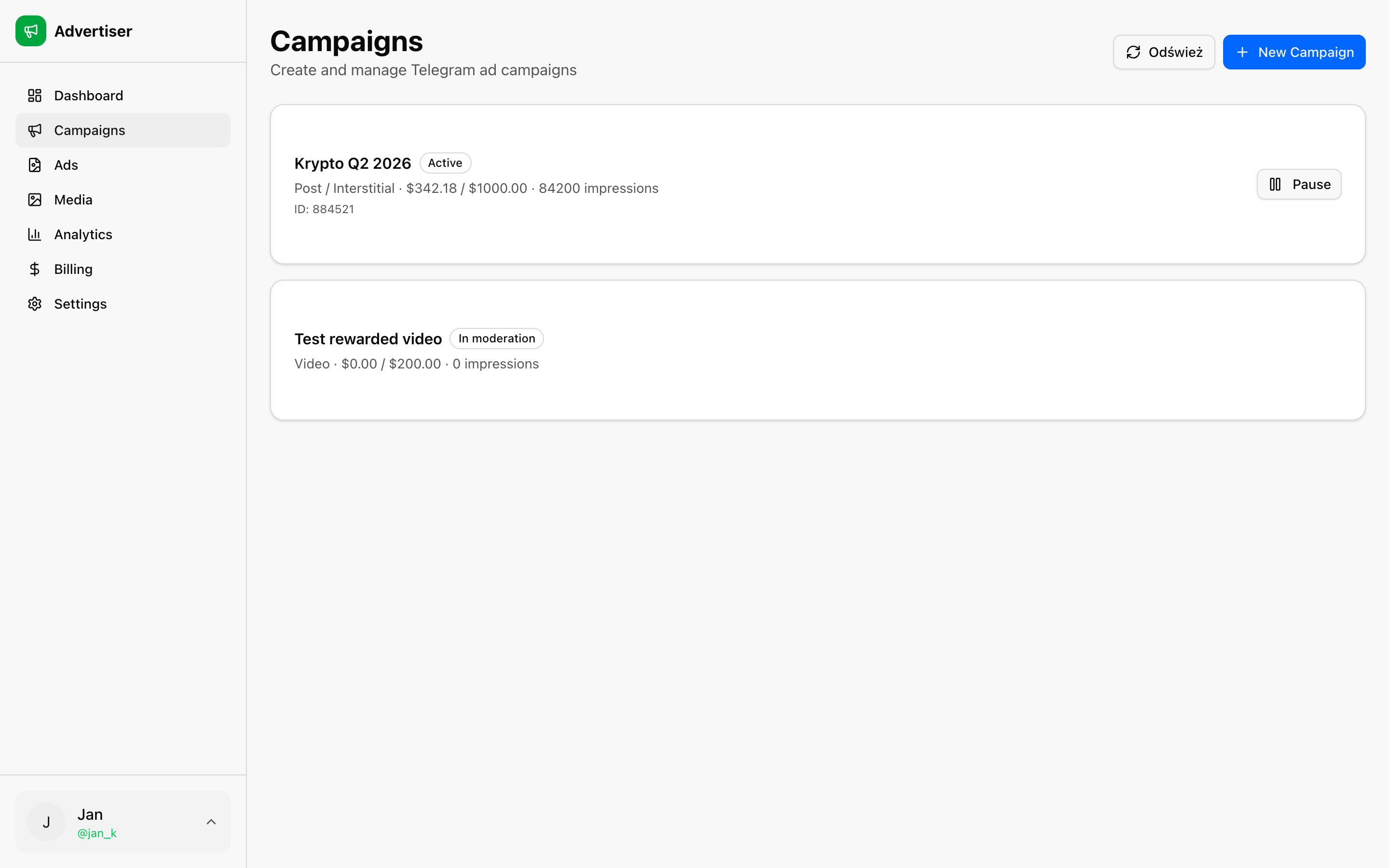
Campaign list
Each row shows:
- Name and status (draft, pending moderation, active, paused, etc.)
- Placement: Mini Apps, bots, channels, or other supported inventory
- Budget / spent: gross budget and synced spend
- Impressions / clicks
- Actions: Submit, Start, Pause, Refresh, Duplicate
Duplicate copies an existing campaign as a new draft and opens /advertiser/campaigns/[id]/edit.
Create campaign
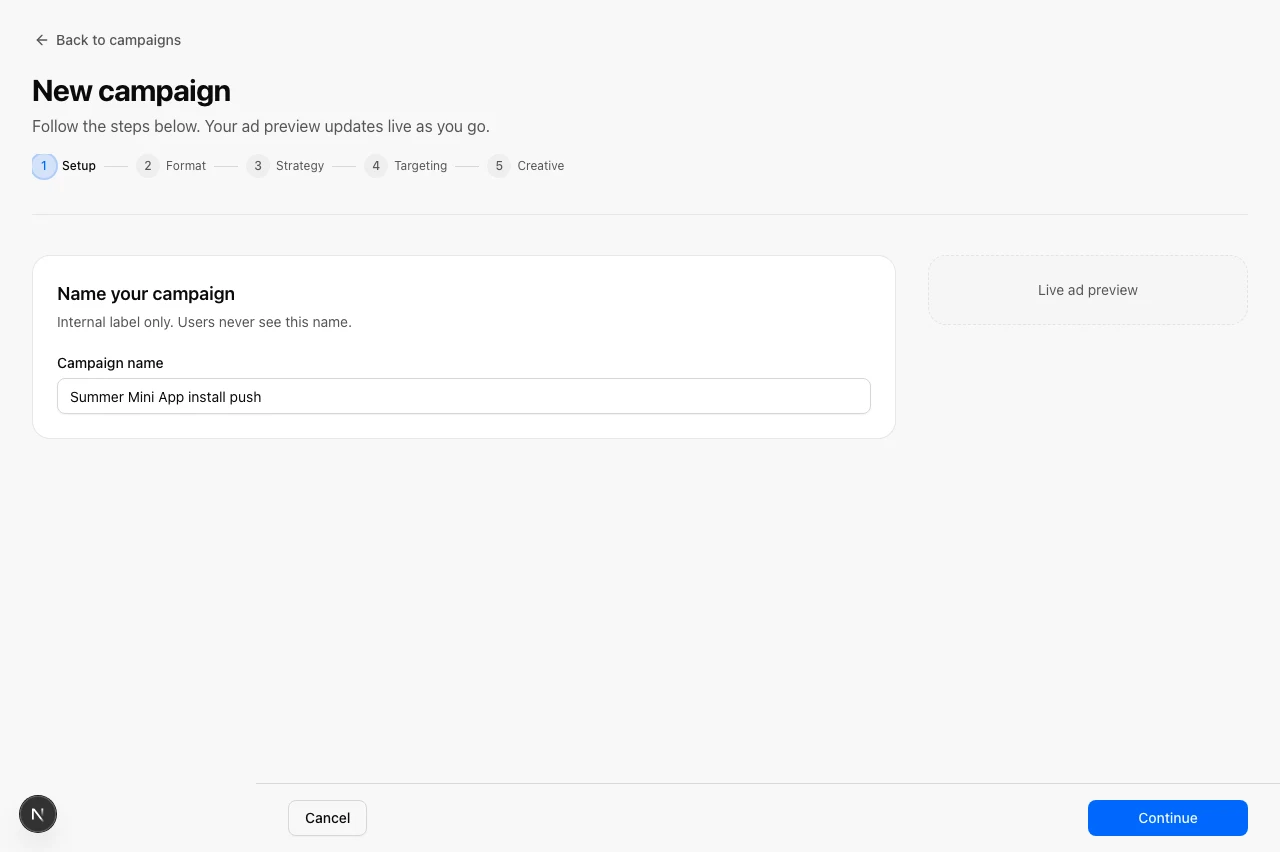
Click New Campaign or open /advertiser/campaigns/new for the full-page wizard.
Step 1: Setup
- Name: Internal campaign name (your account tag is added automatically for routing)
- Placement: Pick inventory with compact phone previews (Mini Apps, bots, channels, etc.)
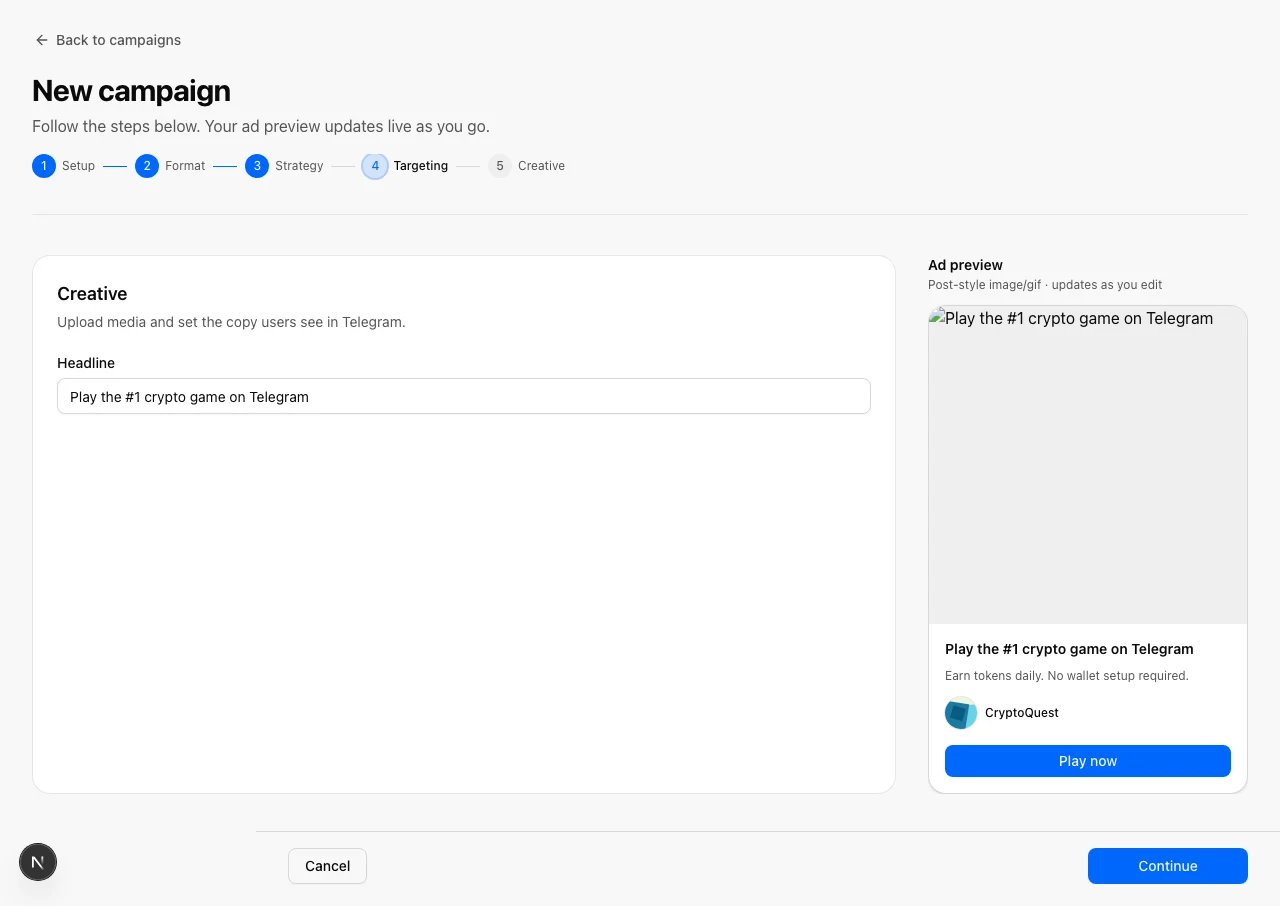
Step 2: Format
Choose post-style, rewarded video, task, channel post, or bot ad. Performance hints help you match format to goal. Post-style accepts JPG, PNG, or GIF.
Step 3: Strategy
- Billing: CPM (pay per show) or Target CPC (tCPC) with bid amount
- Budget: Gross budget in USDT
- Frequency cap: Optional max impressions per user (1-7)
- AdsGram forecast: Recommended CPM or tCPC bid from the ad network (Apply button)
- Estimates: Impression estimate before you launch (CPM)
Step 4: Targeting
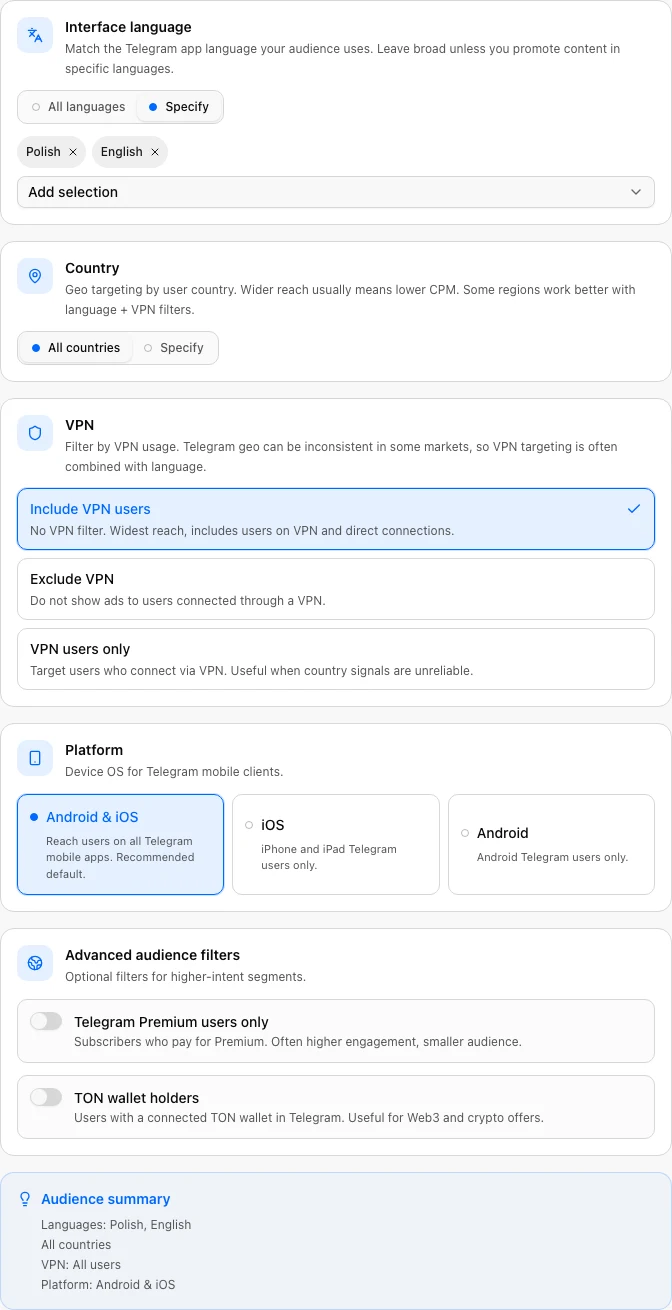
- Language and country (all or specific multi-select)
- VPN audience cards
- Platform: iOS, Android, or both
- Telegram Premium and TON wallet toggles
Step 5: Creative
- Up to 10 variants (A/B) per campaign
- Pick media from your library or upload inline
- Tracking: Link presets (web, Telegram, AppsFlyer), macro checklist, ERID
- Set title, link, button label, advertiser icon, brand name, and subtitle
- Live AdsGram-style preview stays visible while you scroll (sticky preview column)
Save draft is available on every step. Inline field errors and a summary banner appear when a step is incomplete.
Saving creates a draft. Submit reserves budget from your wallet and sends the campaign to moderation.
After submit
- Status moves to pending until approved.
- Use Start when approved to begin delivery.
- Refresh or Sync now (Analytics) pulls status and spend from the network.
You need sufficient available balance before submit. See Billing.