Advertiser | Dashboard
The Dashboard (/advertiser) is your home screen in the advertiser panel. It summarizes wallet balance, campaign activity, and quick actions.
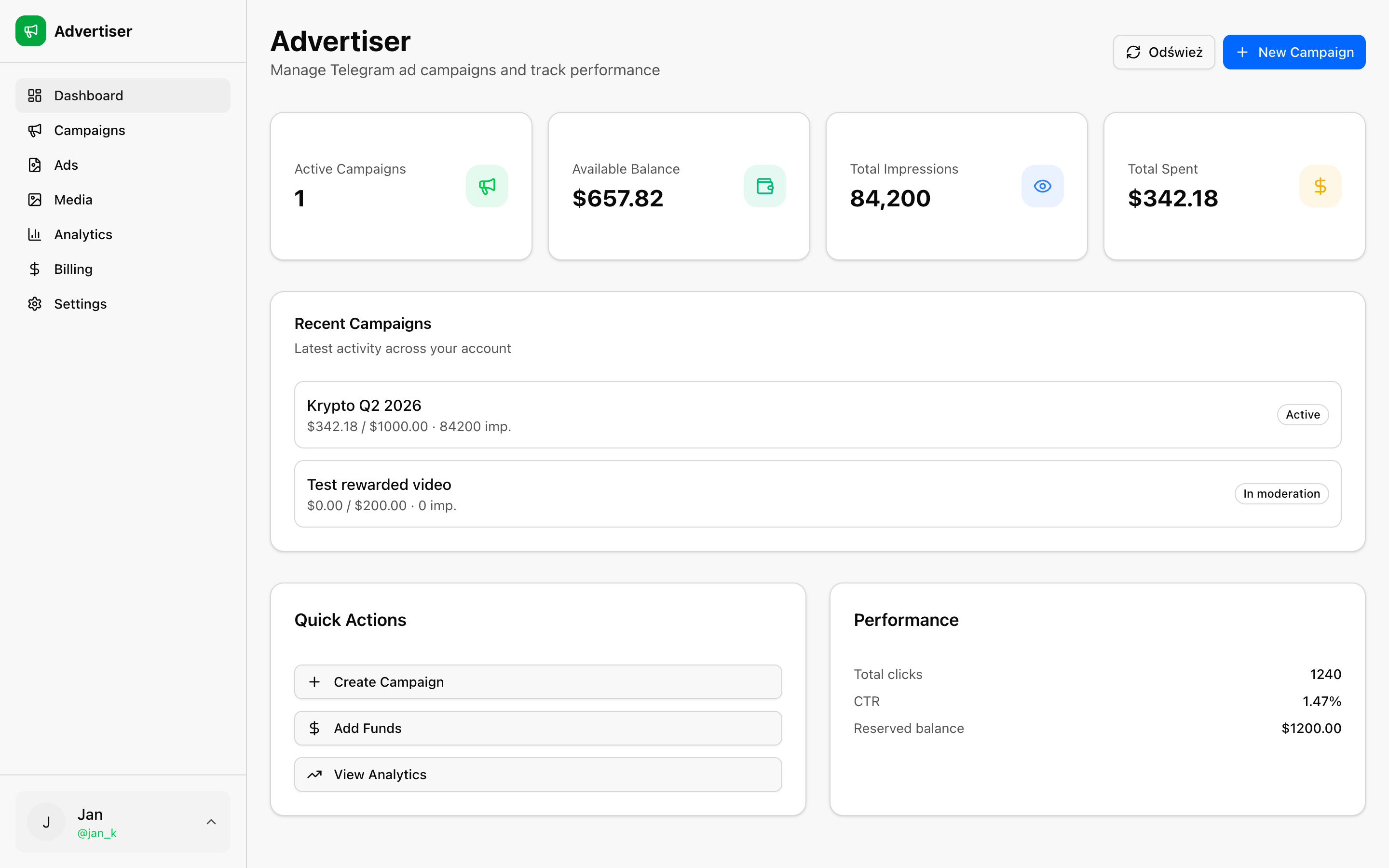
Stat cards
- Active Campaigns: campaigns currently delivering or ready to start
- Available Balance: funds you can spend on new campaigns
- Total Impressions: aggregated impressions across campaigns
- Total Spent: spend synced from delivery reports
Reserved balance (locked for submitted/active campaigns) is shown on Billing.
Actions
- Refresh: Pull latest campaign status and spend from the ad network
- New Campaign: Opens
/advertiser/campaigns/new - Sync now: Also available on Analytics for full delivery sync
Recent campaigns
A table lists your latest campaigns with status, spend, impressions, and clicks. Empty state prompts you to create your first campaign.
Sidebar
On desktop you can collapse the sidebar to icon-only mode. Your preference is remembered across visits.