

SnapSIM: How Do You Choose a Number for Receiving SMS?
Choose a country, check the service and compare rental periods. Our guide walks through SnapSIM's public pricing controls before you buy.
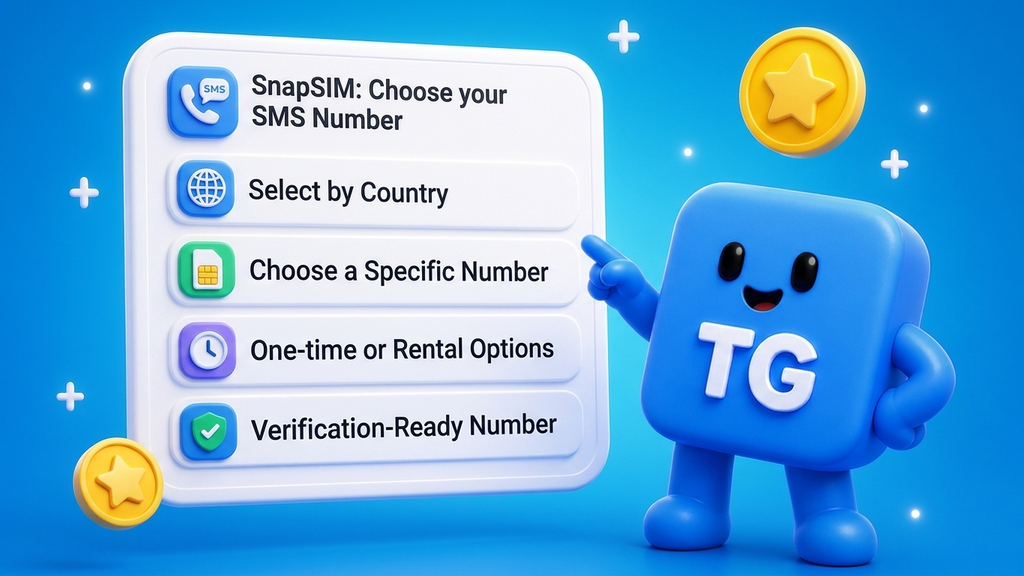
To choose a SnapSIM number, start with the country and how long you need SMS access. The 15-minute Number option is tied to one service; Rent a Number offers a longer period. Check the selected service, duration and displayed price before continuing to payment.
We explored the public website and its pricing controls on November 12, 2026, without signing in or buying a number. This guide covers that selection process. SMS delivery, renewal and refunds were not tested.
What does SnapSIM provide?
SnapSIM provides virtual numbers for receiving SMS online, with a web interface and a Telegram Mini App. Its website separates short activations from longer rentals, so the first decision is how long you need access.
For example, testing an SMS registration flow on your own service is a different use case from needing the same number over several days. Choose the duration that matches the task, and check whether the destination service accepts rented numbers.
The public page also includes a Free Numbers area. It explicitly describes those numbers as public test numbers. That makes the distinction between testing and private account access important.
Should you choose a 15-minute number or a longer rental?
Choose the 15-minute option when you need a short session for one selected service. Consider the rental option when the task requires access beyond that session.
The pricing page describes the short option as allowing multiple SMS messages from one service during its 15-minute period. In the rental card, we found duration buttons for 1, 3, 7, 15 and 30 days after selecting Poland. Other countries and current inventory may offer different choices.
Before deciding, check three things:
- Service: Does the short activation show the service you actually need?
- Duration: Will you need another message after the initial session?
- Price: Is the displayed amount for the selected country and period?
A longer rental should be an intentional choice for the task, rather than an assumption that every number stays available indefinitely.
How do you check the actual price before buying?
Open Pricing, choose the country, then inspect the service selector or rental-period buttons. The general starting price is not the same as the price for your selection.
Here is what we observed in the public interface:
- Before choosing a country, the page showed introductory “from” prices.
- Selecting Poland populated the short-activation card with VKontakte + Mail.ru at $1.25.
- The rental card showed $22.00 for 1 day.
- Clicking 3 days changed that rental quote to $44.00.
These are dated examples from November 12, not fixed rates or completed purchases. Their useful lesson is the sequence: country first, then service or duration, then price. Check the service name even if the selector fills automatically.
We stopped before Buy number and Rent number. Confirm the final order details and terms in your own checkout before paying.
Can you try SnapSIM without renting a number?
You can inspect the public website and its pricing controls without signing in. The Free Numbers section also offers a country search and a public-number/message preview.
For a first look, exploring the country selector and rental cards is enough to understand the layout without submitting a verification request. We used that route for this guide.
Keep public test numbers for non-sensitive testing. Their messages are presented in a public preview, so they are unsuitable for private login codes or account recovery. We did not request, receive or use any SMS code.
What happens if a message never arrives or the rental ends?
SnapSIM's website FAQ says that when a rented number receives no message, it expires automatically and the payment is refunded. That is the provider's stated process; we did not test a failed delivery or refund. Read the current conditions before ordering, and use the site's Support link if your order does not behave as expected.
The FAQ also distinguishes a rental's access period from permanent ownership. It says a number is assigned to one customer during the rental, while mobile operators may eventually recycle inactive numbers. SnapSIM therefore recommends avoiding sensitive accounts and payment methods on rented numbers.
Before using any temporary number, decide how you will retain access to the account after the rental ends. A successful first code does not establish long-term recovery access.
Ready to compare the options? Open SnapSIM and check the country, service and duration for your task.
Learn more about SnapSIM on TG.app, rate it and write a review.
Building for Telegram? Add your app, bot or channel to TG.app and help more people discover your project.
Be the first to react
Comments
No comments yet. Be the first to share your thoughts!