
Ranked Collections: Vote, Share Period Links, Embed Lists
Community upvotes power Collections and the Leaderboard. Publish ranked lists, share period links, and embed top rows on your blog.
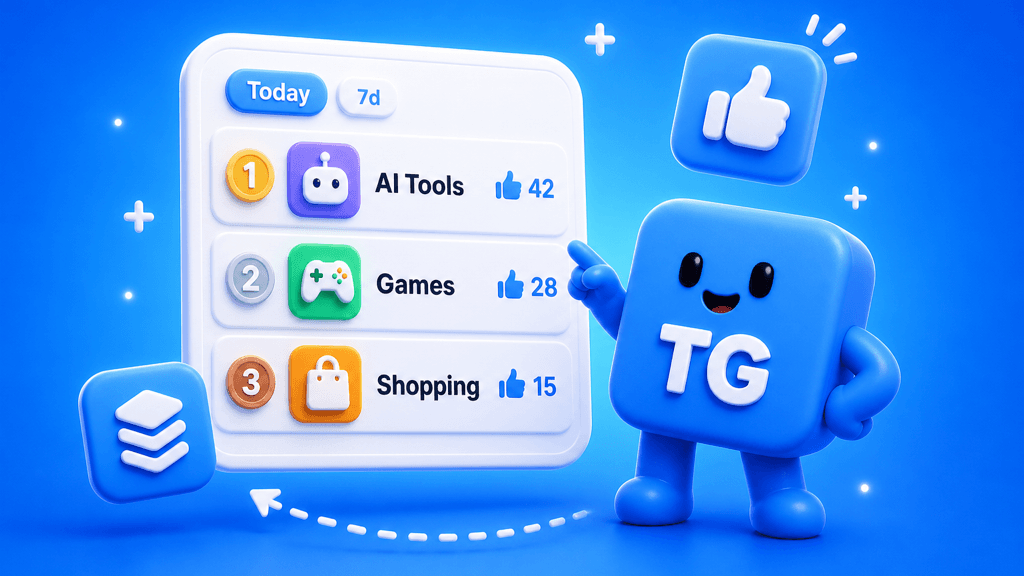
Collections are no longer static editorial pages. Every list is ranked by community upvotes, filterable by period, shareable as a link, and embeddable on your site. The same votes power the global Leaderboard.
What shipped
- Daily votes for every signed-in Telegram user (default 5 per UTC day, configurable)
- Stack or spread: put all five on one listing, or share them across favorites
- Upvote-ranked collections for Mini Apps, bots, channels, and groups
- Period chips in the URL: Today, 7 days, 30 days, Year, calendar month (
YYYY-MM), and All-time - List and grid views on every collection page
- Creator collections in Creator Studio (draft by default, publish when ready)
- Tag-driven lists (e.g. hackathon, Built with Apps Father) that stay in sync with catalog tags
- Share strip: Telegram, X, copy link, channel post, and embed generator
- Embeds for blogs: pick period + row count, paste one snippet
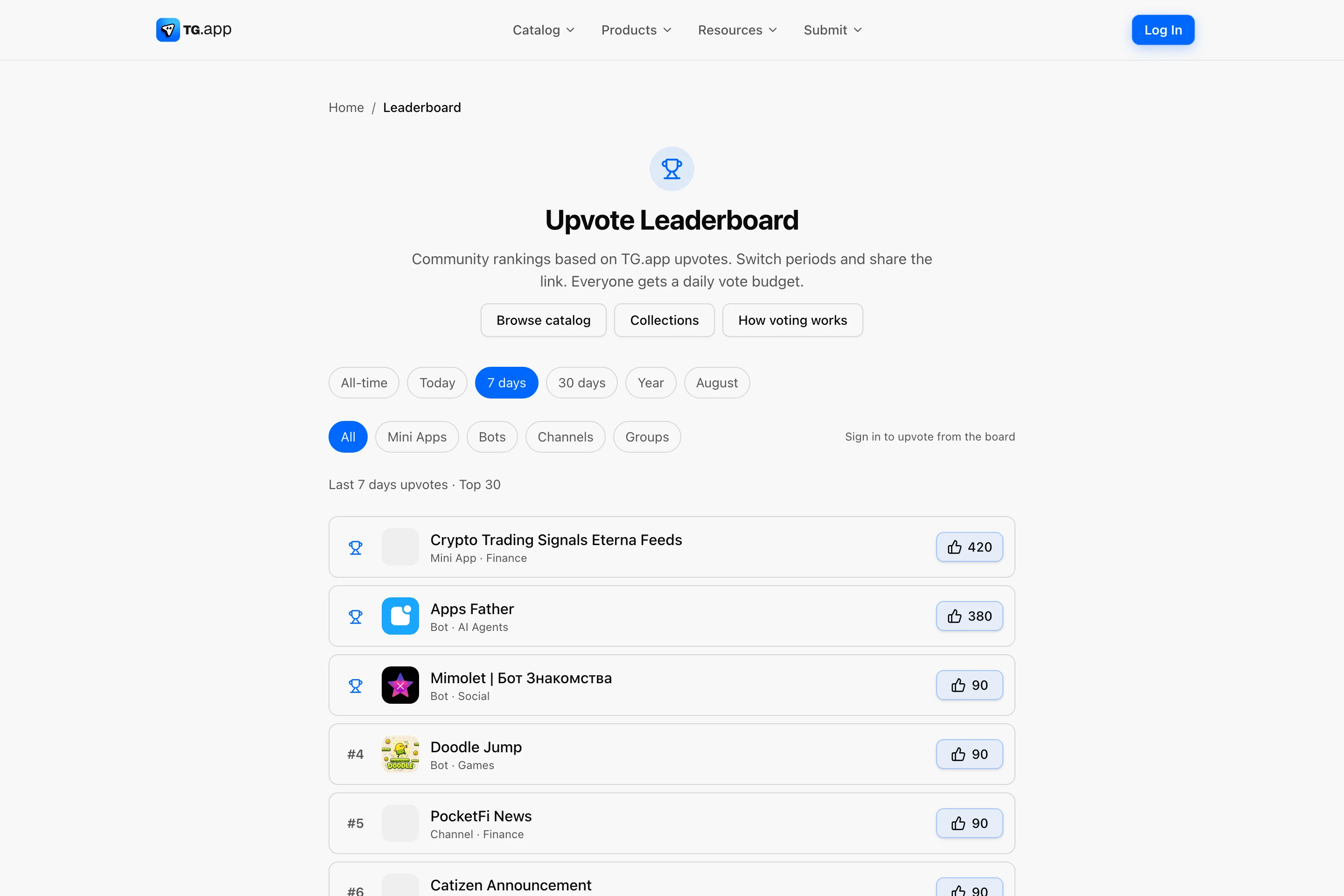
- Global /leaderboard with the same period filters and type chips
- Voter avatars on listing pages: unique faces only, no names, no profile clicks
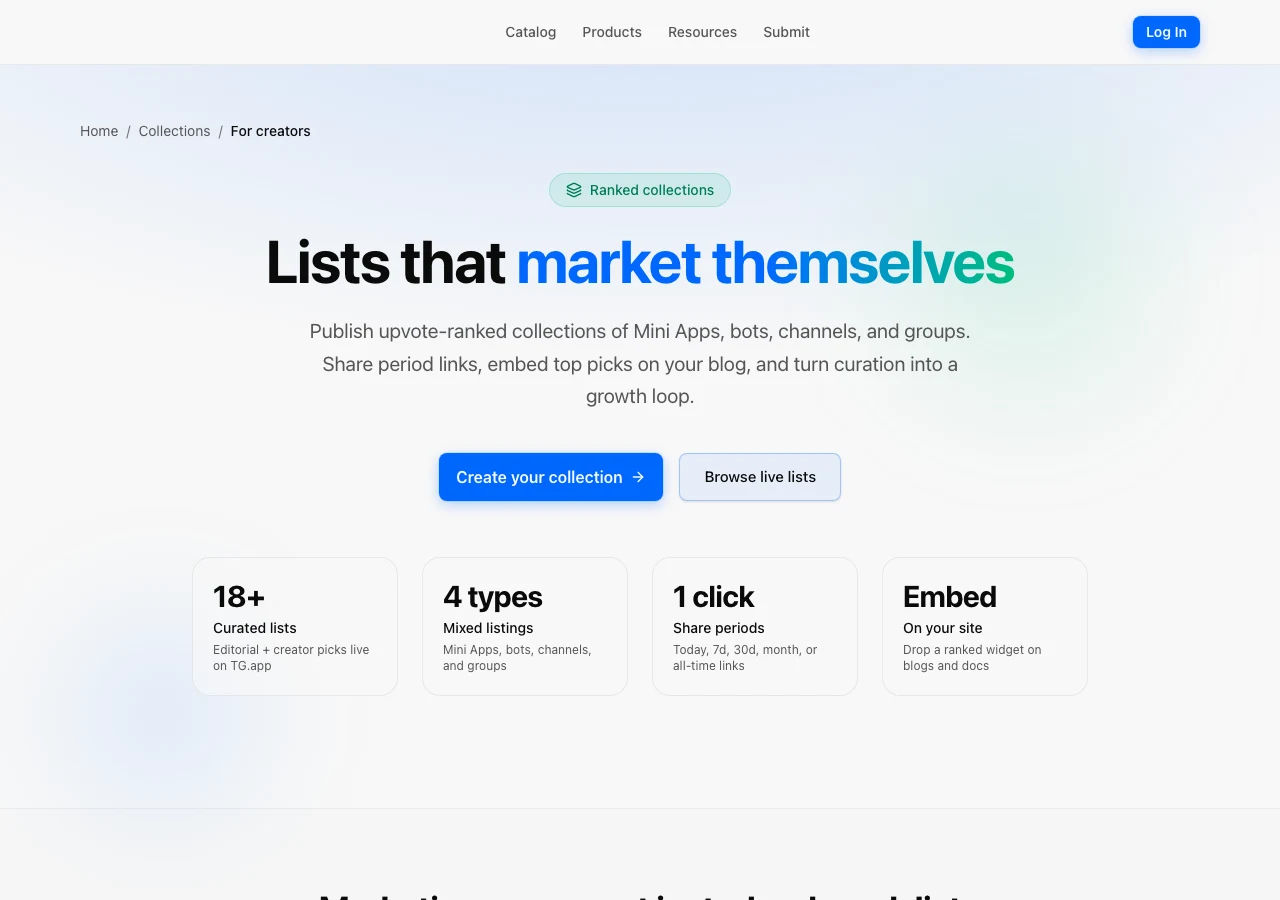
- Marketing landing: /create-collection
Browse live collections
Open /collections for Featured cover cards and the full All grid. Each card shows live listing counts and opens a ranked board.
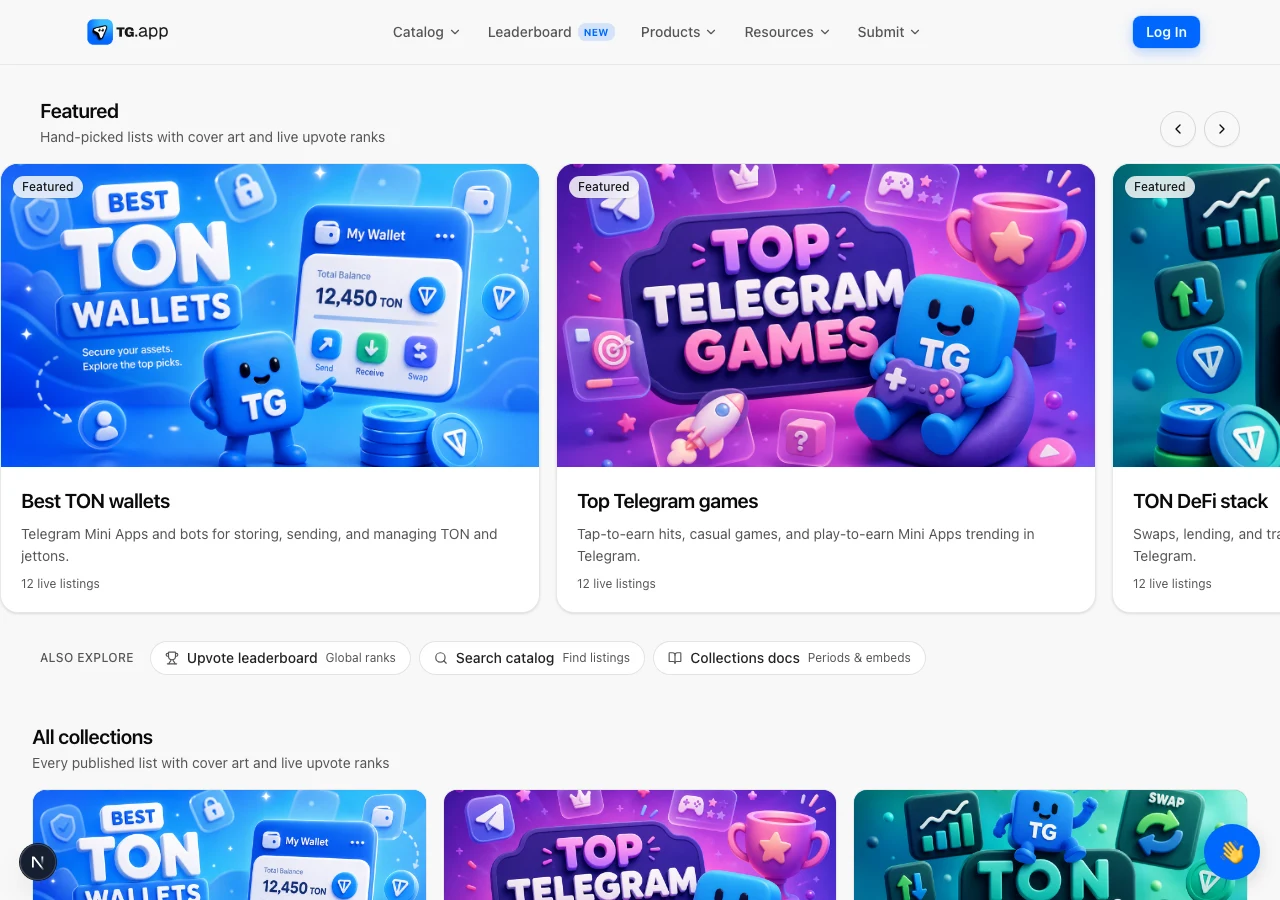
The homepage surfaces the same boards in a compact carousel above New Arrivals, so discovery starts before someone hits Search.
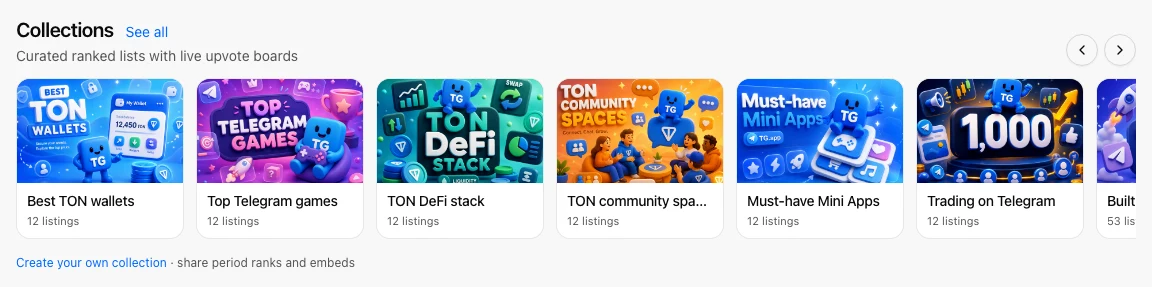
Inside a collection page
A collection page pairs cover art with period chips, share actions, and the ranked membership list. Example: Best TON wallets.
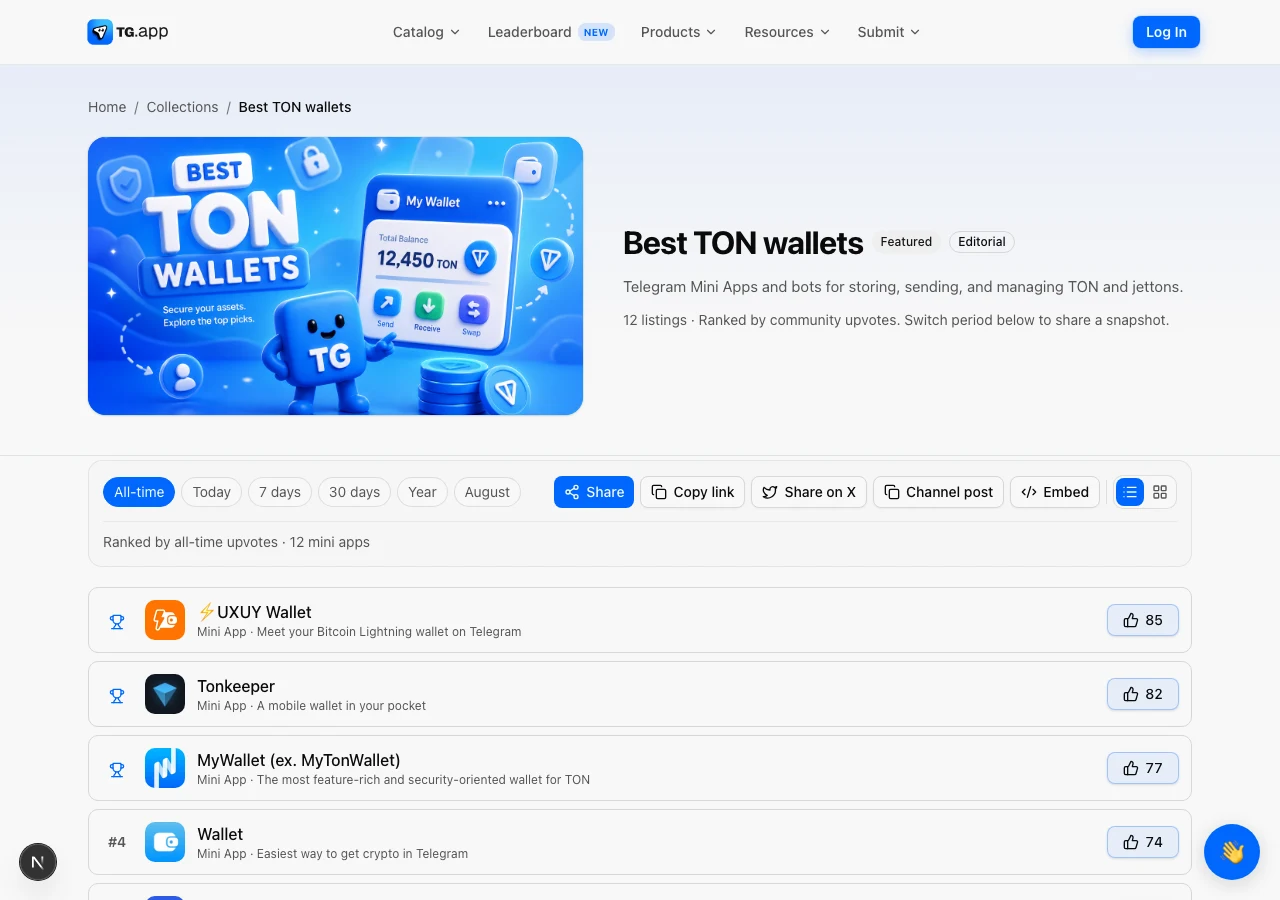
Switch the period (all-time, today, 7 days, 30 days, year, or a calendar month) and the order updates. Share or copy the URL so recipients land on the same ranking window. Channel post and Embed sit in the same toolbar.
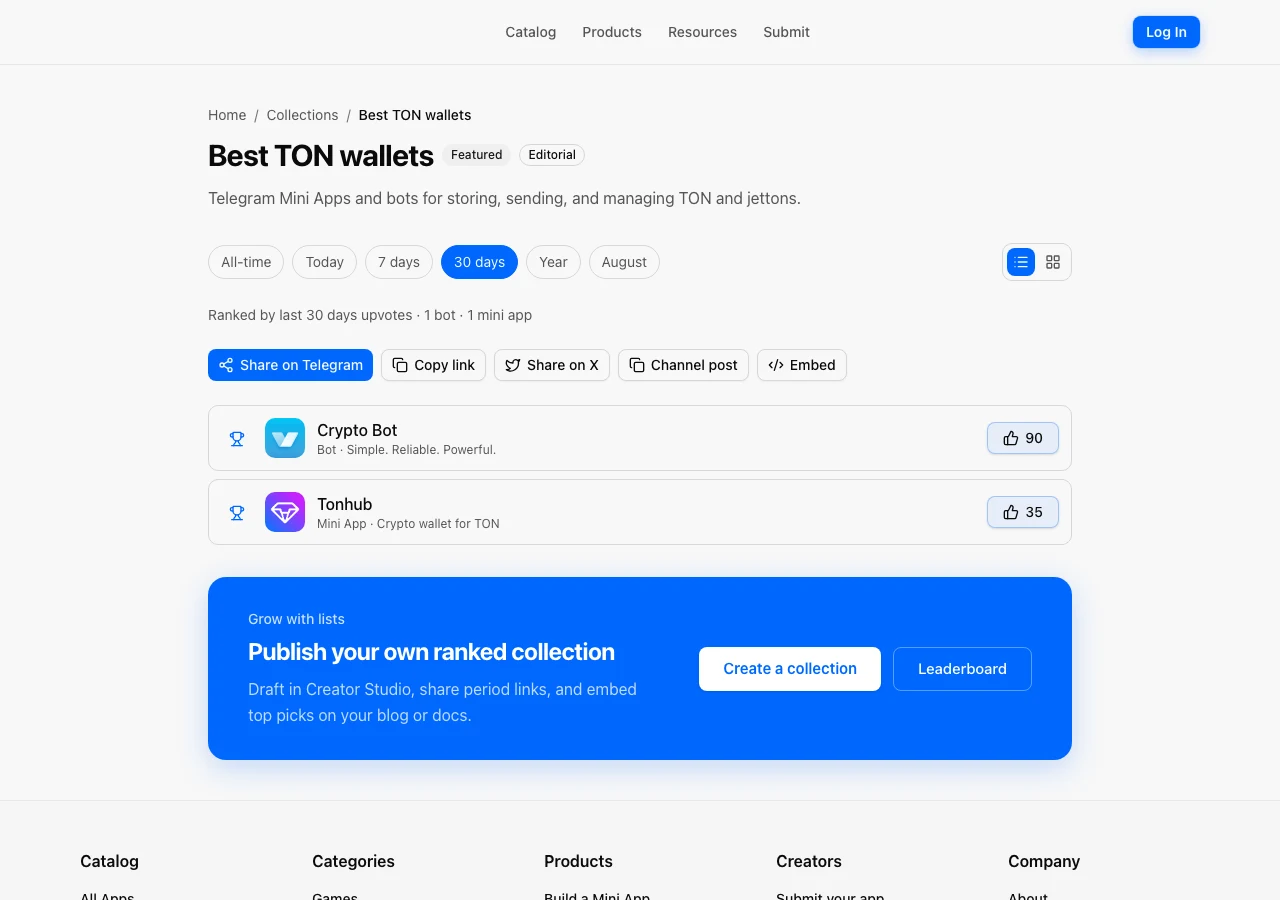
How voting works
Directories go stale when popularity is only views or paid Featured slots. Community upvotes give builders a fair signal to rally around, and give visitors a clearer chart of what people care about this week and this year.
Featured placements stay paid. Upvotes are the community layer. They feed Collections, the Leaderboard, and Buzz signals on listing insights.
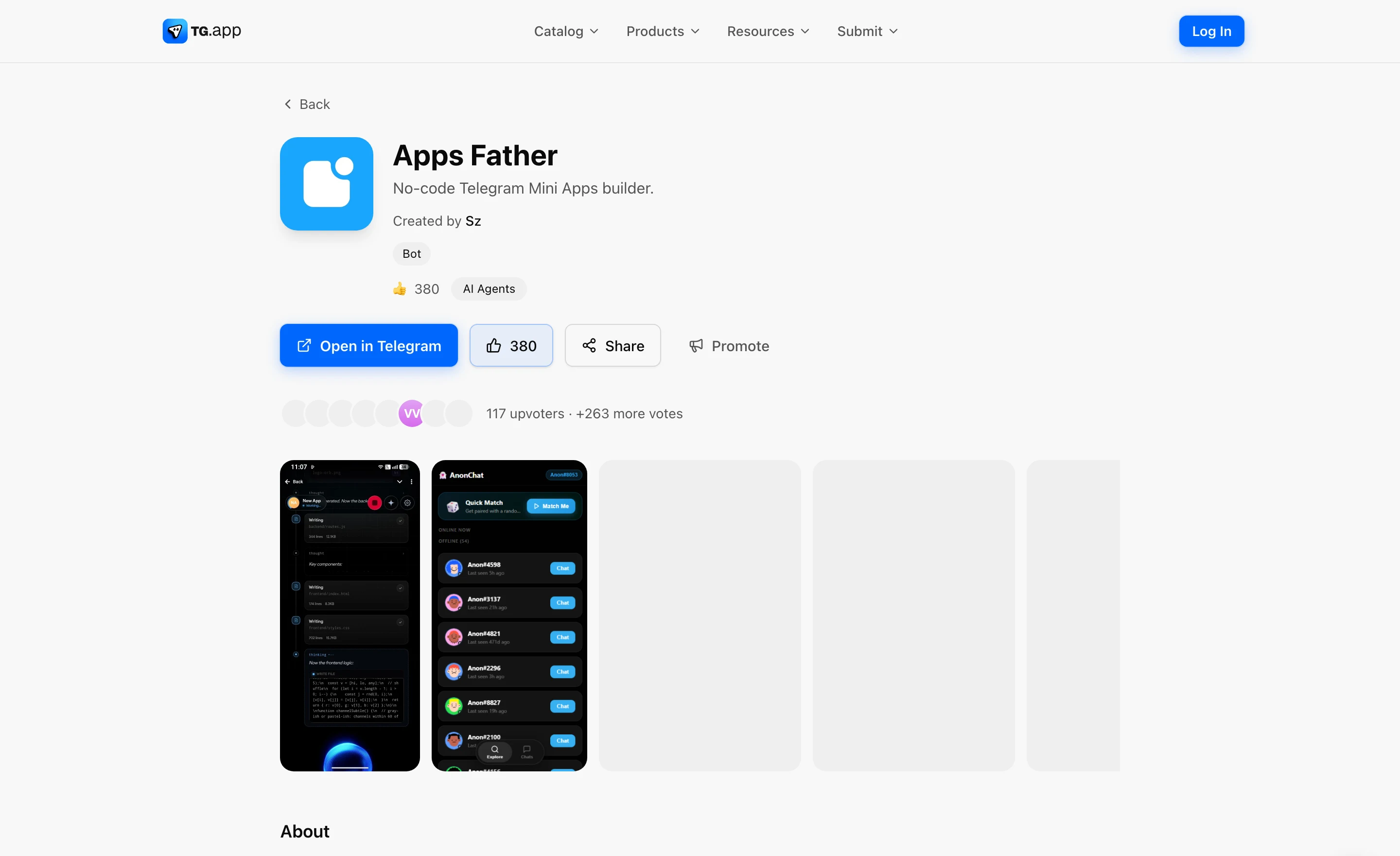
On an app, bot, channel, or group page, use the upvote control next to Open / Share. Your remaining daily budget shows beside the button. Below the actions, a short stack of unique voter avatars shows recent community support.
Open /leaderboard, pick a period and type filter, and see who the community is backing. Share the URL so others land on the same ranking.
Why collections matter for marketing
A collection is a growth asset, not a bookmark folder:
- You curate membership (manual picks or a tag)
- The community votes; ranks reorder themselves
- You share a period link so recipients see the same window (e.g. May 2026)
- You embed top N on a blog or docs site and keep attribution back to TG.app
That loop turns curation into distribution. The creator landing at /create-collection spells out share periods and embeds in one pitch.
Browse and create
| Goal | Where |
|---|---|
| Browse Featured / Editorial / Creator lists | /collections |
| See the product pitch + embed story | /create-collection |
| Global upvote ranks | /leaderboard |
| Example list | Best TON wallets |
| Build your own | /creator/collections |
Embed on your blog
On any collection page open Embed, choose period and how many rows, then paste the snippet. Optional data-period accepts today, 7d, 30d, year, a calendar month like 2026-05, or omit it for all-time.
<div data-tgapp-collection="best-ton-wallets" data-limit="5"></div>
<script async src="https://tg.app/embed/collection-v1.js"></script>
That snippet powers the live widget above (top wallets by all-time upvotes). Use it for monthly roundups, hackathon recaps, or partner posts.
How creators publish
- Sign in → Creator Studio → My collections
- Choose manual picks or by tag
- Keep it as a draft until it looks sharp
- Publish → share or embed
Limits: up to 20 lists per creator, up to 50 listings per manual list. Admins can feature standout lists on the index.
Try it
- Browse /leaderboard or a collection
- Open a listing you like
- Sign in with Telegram and upvote
- Or create your own collection
More detail: Upvotes and leaderboard docs and Collections docs.
Docs
Be the first to react
Comments
No comments yet. Be the first to share your thoughts!