

Sekeh on Telegram: Tapping, Workers and Your First Farm
Start playing Sekeh on Telegram. Learn how tapping, energy, referral workers, Stars workers, tasks and leaderboard progression fit together.
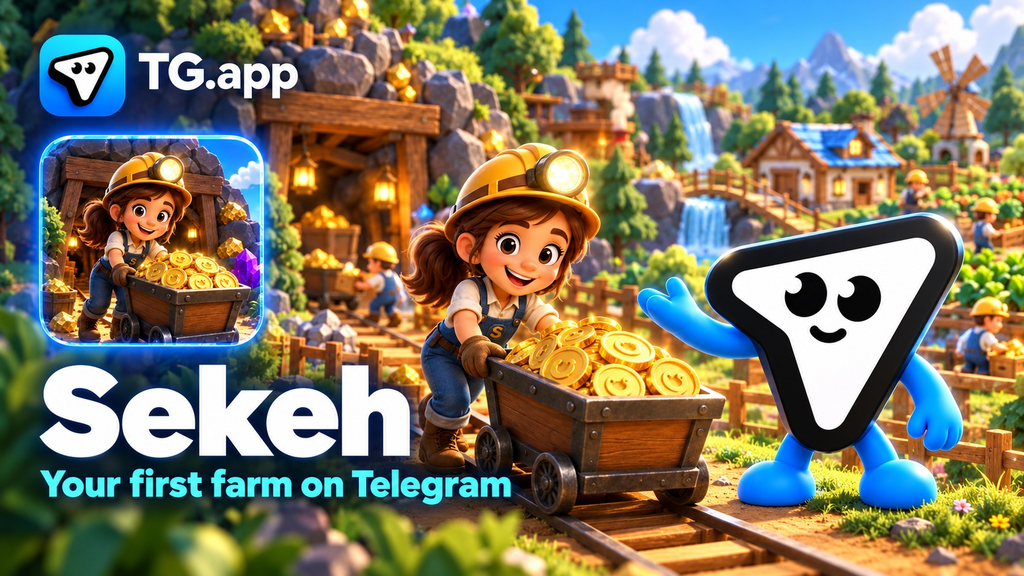
Sekeh is a Telegram game built around a simple loop: tap for Coins, grow a worker-powered farm and compare your progress on the leaderboard. You can start with the tapping screen, then explore the farm, Fortune Wheel and community tasks from the bottom menu.
Open Sekeh to get started. This guide walks through the opening screens and the worker rules that matter before you expand your farm.
Your first steps in Sekeh
- Open the Sekeh bot in Telegram and press Start if this is your first visit.
- Choose Open Farming App or Play, then launch the Mini App.
- On Home, tap the main button and watch your Coin balance and energy bar.
- Open Farm to see your workers, daily Coin production and farm status.
- Explore Task and Leaderboard once you know where your balance and energy are shown.
During our October 29 check, the starting screen showed 7 Coins per tap and an energy capacity of 10,000. One test tap increased the balance from zero to seven Coins. These are the values we saw on that starting account; use your own screen for the current rate and available energy.
Home: tapping and energy
Home is the most direct way to begin collecting Coins. The main button displays the reward for a tap, while the energy bar underneath shows how much energy is available. A Boost button sits beside it.
Start by watching how a few taps affect your balance and energy. That gives you a useful baseline before considering any upgrades or moving to the farm.
The Coin total also appears in other sections, so you can check your progress without returning to Home each time.
Farm: how workers work
The farm is an interactive isometric map. Its summary shows daily earnings in Coins, the number of workers and whether the farm is running or paused. A new farm with no workers showed Paused during our check.
Choose Hire a Worker to see the two available routes.
Invite a friend
A friend becomes a referral worker after completing 100 taps. The current hiring screen lists 1,000,000 Coins per day for your farm and says 100,000 Coins per day is automatically shared back to that friend.
The same screen states that referral workers stop mining after 24 hours offline. An invitation alone therefore does not mean an active worker: check the activation requirement and the worker's status in your farm.
Hire with Telegram Stars
The alternative is an optional worker purchase using Telegram Stars. During our check, the offer was 10 Stars for a permanent worker, with 1,000,000 Coins per day and no offline cap stated in the app.
The hiring screen showed separate limits of 100 referral workers and 10 Star workers. These are in-game production figures and purchase terms, not a cash return calculation. Check the current offer before confirming any purchase.
For a first session, tapping and exploring the menus are enough to understand the game. You do not need to purchase a worker to try those opening steps.
Fortune Wheel, tasks and rankings
The Spin tab contains a Fortune Wheel with Coin prizes. The wheel we inspected displayed eight prize segments, ranging from 1,000 to 5,000,000 Coins. The prize labels do not establish the odds of receiving each result. Check any cost or eligibility conditions shown before spinning.
The Task tab lists available activities and their Coin rewards. At the time of our check, it included X and Telegram channel tasks, each displaying a 100,000-Coin reward and a GO button. Open the task to read its requirements rather than assuming that pressing GO completes it.
The Leaderboard has Global and Friends views, plus progression tiers such as Shrimp, Crab and Octopus. The first displayed tier began at 100 million Coins, and the new account was marked unranked. That makes the leaderboard a longer-term target after learning the basic tapping and farming loop.
A practical first-session checklist
- Make a few taps and check how your balance and energy change.
- Read both worker options before choosing how to expand the farm.
- If you invite a friend, check that the 100-tap activation step is completed.
- Review the available tasks and their individual requirements.
- Return to Farm to check worker status instead of relying only on the headline production rate.
Are Sekeh Coins cryptocurrency?
This guide covers the in-game Coin balance shown in Sekeh. A large Coin total or a daily production figure does not by itself establish a token price, cash value or withdrawal entitlement. We did not verify a cash-out route during this gameplay check.
For current product announcements, follow Sekeh on X. Learn more about Sekeh on TG.app, rate it and write a review.
Building for Telegram? Add your app, bot or channel to TG.app and help more people discover your project.
Be the first to react
Comments
No comments yet. Be the first to share your thoughts!