

Manage your Telegram catalog from Cursor with TG.app MCP
Creator MCP connects Cursor and Claude to TG.app: update listings, browse promote pricing, and pull analytics without leaving your editor.
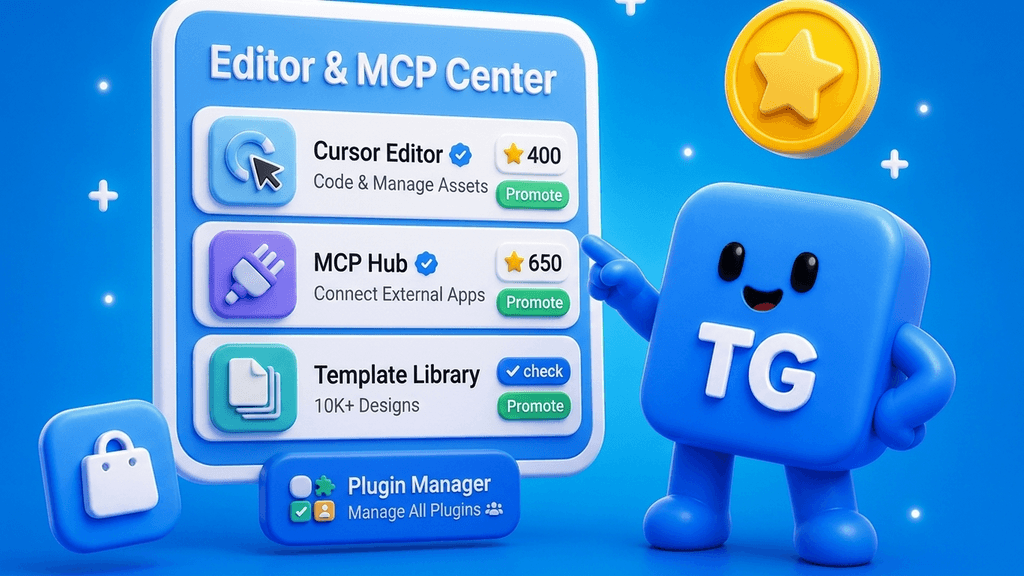
TG.app now exposes a Creator MCP server at
https://tg.app/mcp/creator. Connect Cursor or Claude Desktop and manage listings, communities, and promotion research from the tools you already use to ship code.
Why we built it
Creators live in editors and agents. Creator Studio is great for one-off edits, but repetitive work (check promote prices, refresh tags, list owned apps) belongs in the same loop as your Mini App codebase.
Creator MCP is remote Streamable HTTP on tg.app: scoped API keys, audit log, rate limits, no local server to maintain.
What you can do
| Tool | What it does |
|---|---|
list_my_apps | Your listings and communities |
get_app / update_app_draft | Read and patch metadata |
submit_listing | Send drafts to review |
get_promotion_catalog | Promote slots and pricing |
get_creator_analytics | Views, clicks, funnel |
search_catalog | Read-only discovery |
preview_listing_card | MCP App UI preview in supported hosts |
Support teams get a separate Support MCP at /mcp/support (tickets, KB, AI suggest). See the companion post on support inbox automation.
Setup in three steps
- Open Creator Studio → Integrations → MCP.
- Create a Creator API key and copy the secret (
tg_mcp_…) once. - Add to Cursor:
{
  "mcpServers": {
    "tg-app-creator": {
      "url": "https://tg.app/mcp/creator",
      "headers": {
        "Authorization": "Bearer YOUR_MCP_KEY"
      }
    }
  }
}
Claude Desktop uses the same URL and Bearer header. Full guide: MCP quickstart.
Included on Growth plans
Moat and Ultra include Creator MCP and Support MCP. Any Creator Studio user can create keys; Growth packages bundle visibility and support with MCP access.
Docs and landing
Try it today: create a key, call list_my_apps, then ask your agent to summarize promote options for your top listing.
Be the first to react
Comments
No comments yet. Be the first to share your thoughts!