
How to Build a Telegram Mini App Without Code (2026 Guide)
You can go from an idea in plain text to a live Telegram Mini App with payments in minutes. Here is exactly how the no-code path works in 2026, step by step.
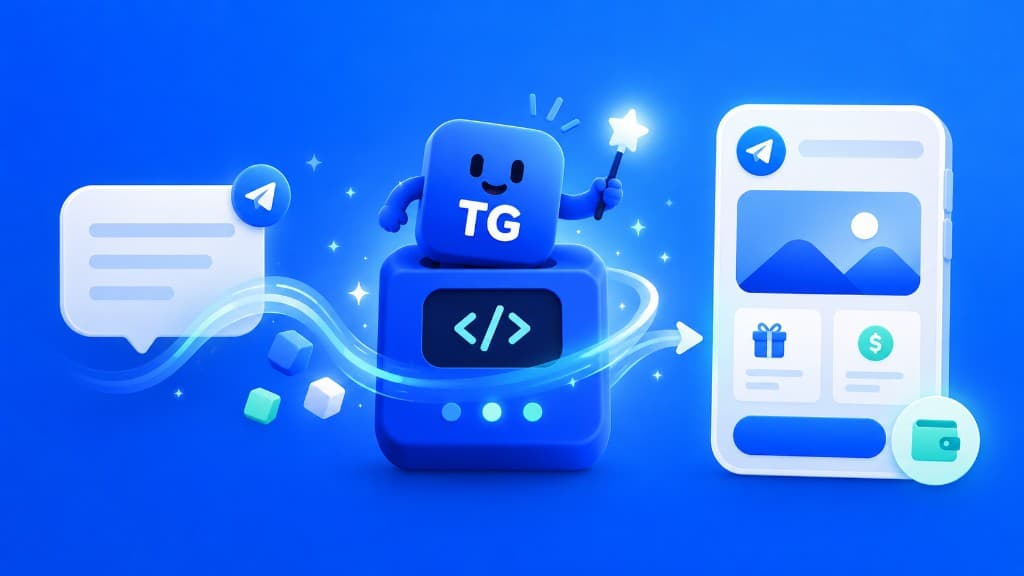
Telegram Mini Apps reach over a billion Telegram users without app store reviews, installs, or separate accounts. In 2026 you no longer need a development team to ship one: an AI builder can generate a working app from a plain-text description.
Why Telegram Mini Apps in the first place
Mini Apps run inside Telegram itself. That gives you three structural advantages over a classic mobile app:
- Zero-friction install. Users tap a link and the app opens. No app store, no download screen, no sign-up form: Telegram identity comes built in.
- Payments from day one. Telegram Stars handles in-app purchases natively, and TON covers crypto payments. You do not need to integrate a payment gateway.
- Distribution inside a messenger. Your app can be shared in chats, channels, and groups, exactly where your users already spend their time.
The no-code path, step by step
Step 1: Describe your idea in plain text
Open the Apps Father AI builder and message the bot the way you would brief a developer. A real prompt looks like this:
"Build a crypto betting game. Players stake TON, a jackpot drum picks the winner. Add a seasonal leaderboard and push notifications."
Be specific about the core loop (what users do), the payment model (Stars, TON, or free), and any social mechanics (leaderboards, referrals, multiplayer).
Step 2: Let the AI generate the app
The builder produces a complete Mini App: UI, backend logic, database, and payment handling. This is a production app, not a mockup. Typical generation time is a few minutes.
Step 3: Publish with one tap
The app goes live on your own bot. You own it: your bot, your app, and you can export the full codebase at any time.
When you publish, TG.app receives the listing automatically (pending standard review). Check the DM from @apps_father_bot for your Creator Studio link.
Step 4: Iterate by texting
Updates work the same way as the first build. "Add a daily spin wheel" or "change the leaderboard to weekly" ships in minutes. There is no staging environment to manage and no release process to run.
What you can build
The same flow covers most Mini App categories:
| Category | Examples |
|---|---|
| Games | PvP arenas, mining and crafting games, casual games |
| Fintech | Wallets, trading tools, token discovery |
| Commerce | Shops, order bots, digital goods |
| Social | Anonymous chat, matching, community tools |
After the build: getting users
A live app with zero users is only half the job. The launch checklist that works in 2026:
- List your app in the TG.app catalog. A free listing puts your app in front of people actively browsing for Telegram apps by category and search.
- Verify your listing. A platform verification badge builds trust before users tap through.
- Promote when ready. Featured placement and category top spots on TG.app put your app on the homepage. Self-serve Telegram advertising scales acquisition beyond the catalog.
- Handle your users. A customer support inbox connected to your bot keeps early users from churning silently.
Frequently asked questions
Do I need a server? No. Hosting is part of the generated app.
Can I monetize immediately? Yes. Stars and TON payments ship with every generated app, with no gateway setup.
What if I outgrow no-code? Export the codebase and continue with your own team. Nothing locks you in.
Ready to try it? Build your first Mini App free: describe the idea, and it will be live before your coffee gets cold.
Be the first to react
Comments
No comments yet. Be the first to share your thoughts!