
What Are Telegram Mini Apps? The Complete 2026 Guide
Telegram Mini Apps are full web applications that run instantly inside Telegram, with no install required. Here is how they work, what you can build, and why they are the fastest-growing distribution channel in mobile in 2026.

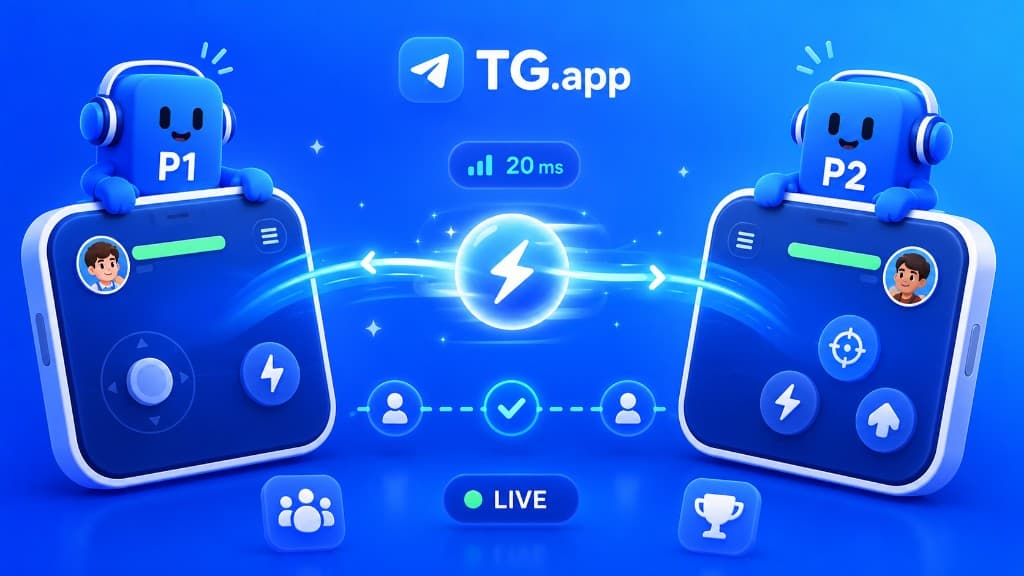
Telegram Mini Apps are the most important distribution channel most people have never heard of. They are full web applications that launch instantly inside Telegram, with no App Store, no download, and no install. A user taps a link or a button in a chat, and a complete interactive app opens in under a second, already knowing who they are.
In 2026, with Telegram past 950 million monthly active users, Mini Apps have grown from a developer curiosity into a platform where individual builders reach millions of people in weeks. This guide explains what Telegram Mini Apps are, how they work, what you can build, and how to launch one.
What Are Telegram Mini Apps?
A Telegram Mini App is a web app, built with standard HTML, CSS, and JavaScript, that runs inside Telegram's built-in WebView. Because it loads right inside the messenger, it can completely replace a traditional website or native mobile app for many use cases, while feeling like a native part of Telegram.
You can build Mini Apps with the same tools you already use on the web: React, Vue.js, Svelte, or plain JavaScript and TypeScript. The difference is that they talk to the Telegram Web App API, which gives them access to the user's identity, theme, payments, haptics, and more, straight out of the box.
The key distinction: a Mini App is always paired with a Telegram bot. The bot is the entry point and backend connection; the Mini App is the rich visual interface. You cannot create a Mini App without first creating a bot, which is why the two are often discussed together. For more on combining them well, see our guide on why your bot needs a Mini App companion.
How Do Telegram Mini Apps Work?
Under the hood, a Telegram Mini App combines three pieces: a bot, a web app, and the Telegram client interface. Here is the flow from a user's perspective:
- A user opens a chat with your bot, taps a menu button, taps an inline keyboard button, or clicks a direct link (t.me/yourbot/app).
- Telegram opens your web app inside an in-app WebView, full-screen or as a sheet.
- Your app receives signed init data identifying the user, so they are logged in instantly with no password or sign-up form.
- The user interacts with your interface; you can request payments, send data back to the bot, and trigger notifications.
That instant authentication is one of the biggest advantages. Every Telegram user already has an account, so the friction of account creation, the single largest drop-off point for traditional apps, simply disappears. The Telegram Bot API and Web App API handle authentication, theming, and data exchange for you.
Why Telegram Mini Apps Matter in 2026
Three structural advantages make Mini Apps genuinely different from previous "next big platform" promises:
- Zero-friction distribution: sharing a Mini App link in a chat puts every member of that chat one tap away from using it. No install funnel, no store approval, no 30% platform tax.
- Built-in social layer: every Mini App inherits Telegram's social graph, so referrals, sharing, and collaboration come for free.
- Native payments: Telegram Stars and TON let you accept payments and run subscriptions without integrating a separate payment processor or fighting banking rules in 190 countries.
Recent 2026 platform additions push this further: full-screen layouts, landscape support, home-screen shortcuts, native share flows, device sensors like the gyroscope, and recurring subscriptions paid in Telegram Stars. The platform now feels much closer to native app capabilities than to a basic embedded webpage. We dig into the bigger picture in our breakdown of the $100M Telegram Mini App opportunity.
Telegram Mini App Examples
The category that put Mini Apps on the map was tap-to-earn (T2E) games. Notcoin, Hamster Kombat, and Catizen each reached tens or hundreds of millions of users by combining a dead-simple core loop with Telegram's viral sharing mechanics. We reverse-engineered one of them in our Hamster Kombat case study, which got to 200 million users in 87 days.
But games are only the beginning. Telegram Mini Apps are now used across many industries:
- E-commerce: full storefronts with product listings, cart, and checkout, sold directly inside a chat.
- Fintech and crypto: wallets, trading bots, price alerts, and portfolio trackers.
- Services and bookings: appointment scheduling, food ordering, ride-hailing, and event registration.
- Communities and content: paid memberships, courses, trading signals, and creator tools.
- AI tools: chat assistants and image generators that monetize through subscription access.
- Utilities: task managers, note-taking, and dashboards that live where work conversations happen.
Telegram Mini Apps for Business
For businesses, the appeal is reach plus economics. Users open a Mini App by tapping a link or an ad, with authentication handled by their existing Telegram session, so the path from discovery to active user is essentially one step. Reported user-acquisition costs on Telegram routinely come in far below equivalent campaigns on Meta or Google, especially in emerging markets.
Engagement is the other half of the story. Telegram users spend 40+ minutes per day inside Mini Apps across multiple daily sessions, which creates real monetization surface. If you are planning paid acquisition, our Telegram Ads platform deep dive covers costs, targeting, and creative that converts.
How to Create a Telegram Mini App
Getting from idea to a live Telegram Mini App follows a predictable path:
- Create a bot with @BotFather and grab its token. The bot is your Mini App entry point and backend bridge.
- Build your web app with HTML, CSS, and JavaScript (React, Vue, or Svelte all work). Use the Telegram Web App SDK to read init data, match the user theme, and access platform features.
- Host the app over HTTPS. Telegram requires a secure public URL for your Mini App.
- Register the URL with BotFather (via /newapp or the menu-button setting) so the bot can launch it.
- Validate init data on your server to securely identify the user before trusting any request.
- Add payments with Telegram Stars or TON when you are ready to monetize.
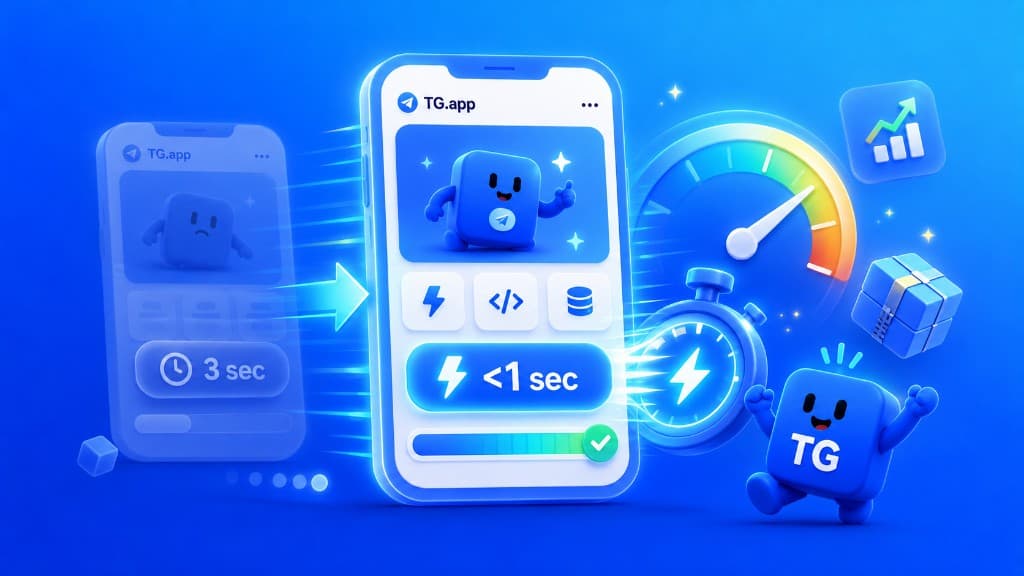
Two things separate Mini Apps that thrive from ones that get uninstalled instantly: load time and first-run UX. You have roughly three seconds before users bounce, so read our guides on sub-second load times and UX patterns from the top 50 Mini Apps before you ship.
Mini Apps vs. Native Apps
A Telegram Mini App will not replace every native app: heavy 3D games and apps needing deep OS integration still belong on the App Store. But for commerce, services, content, social, and lightweight games, the trade is compelling. You give up some raw platform power and gain instant distribution, instant onboarding, built-in payments, and a near-billion-user audience that is already in the app.
The best Telegram Mini Apps do not feel like websites stuffed into a chat. They feel like a native extension of Telegram itself, opened in a tap and used in seconds.
Getting Started
Telegram Mini Apps are where the web's reach meets a messenger's distribution. If you can build a website, you can build a Mini App, and in 2026 the categories are still forming and the winners are still being decided. The fastest way to learn the landscape is to browse what is already working: explore live Mini Apps and bots on TG.app, find the gaps, and build the one thing you wish existed.
Be the first to react
Comments
No comments yet. Be the first to share your thoughts!